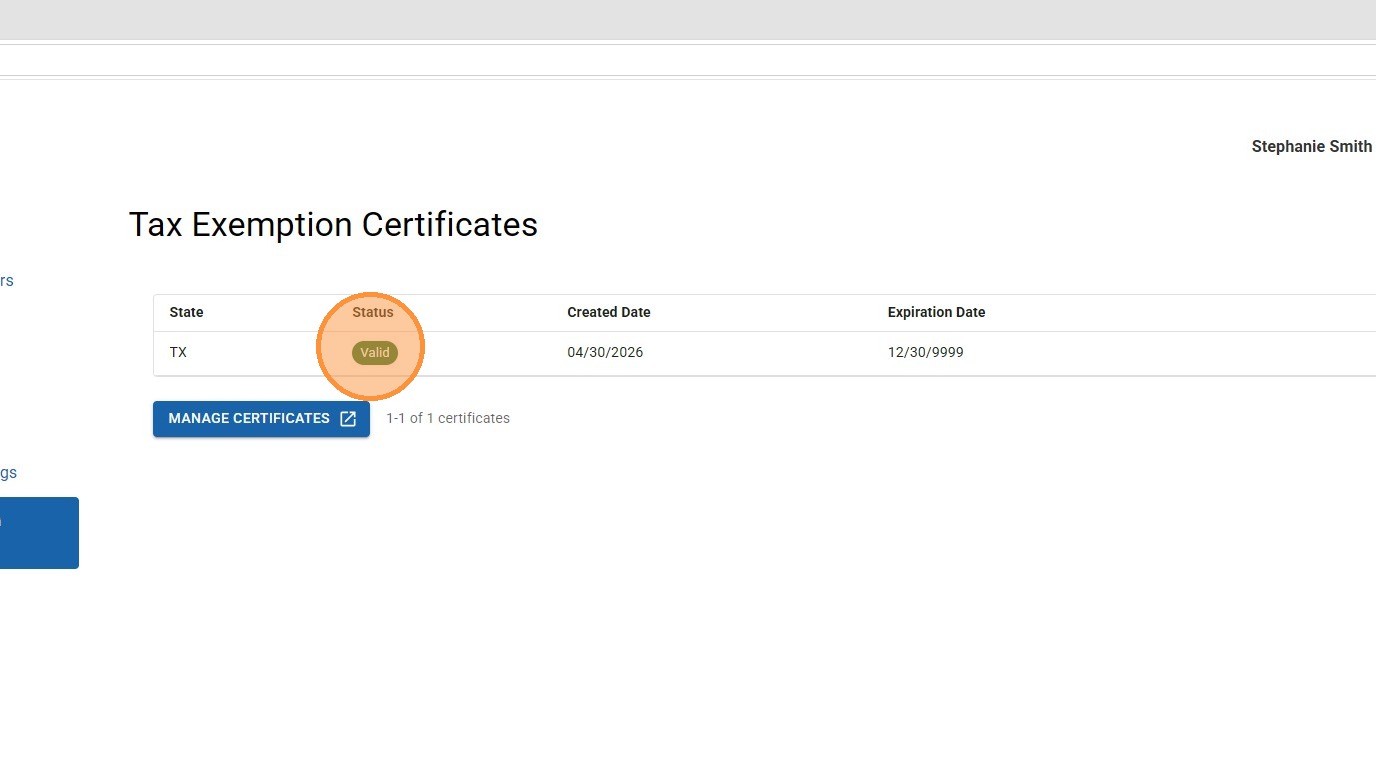
The Embroidery Source partners with shops to supply materials for their businesses. Businesses with an exemption from their state can submit documentation to us to exempt their account from taxes. To submit a tax exemption certificate to us, follow the steps below.
User Authentication
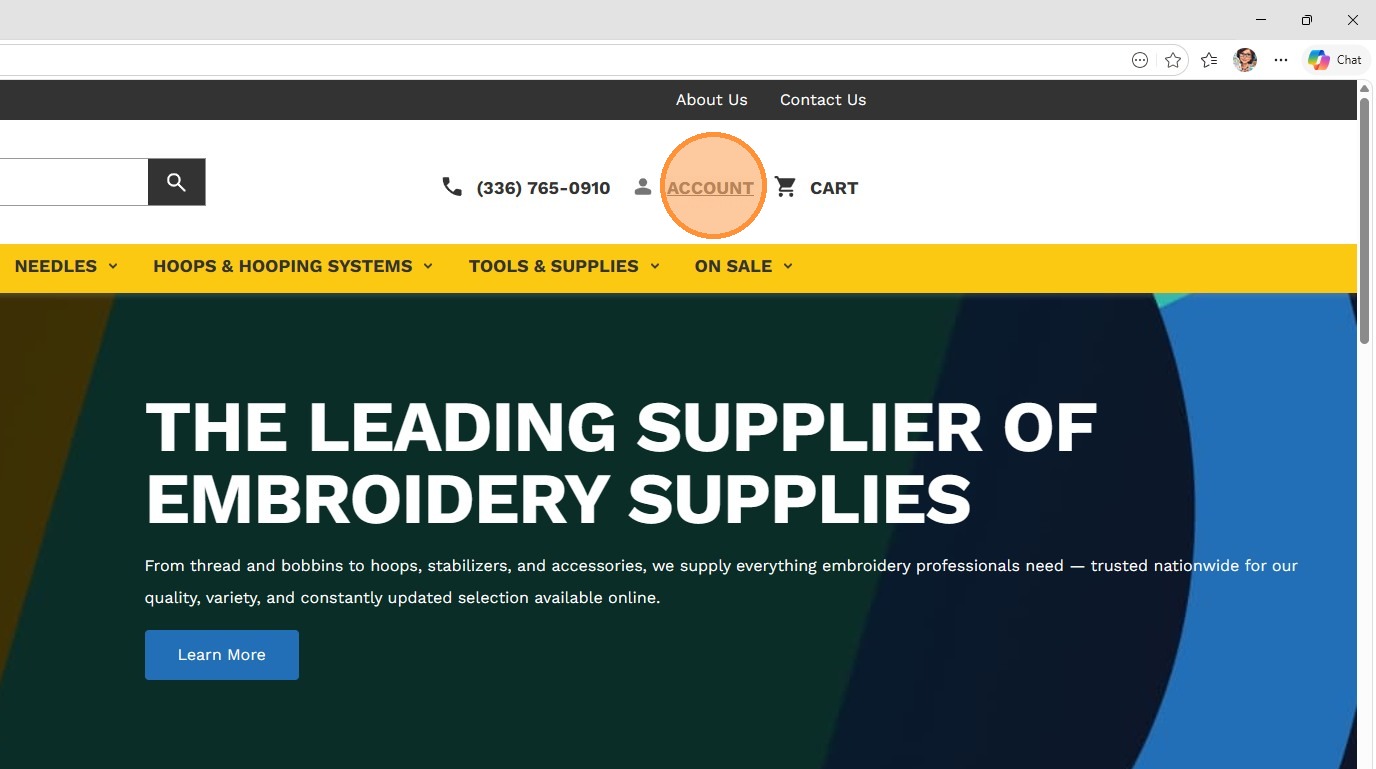
1. Click on ACCOUNT to sign in.
Access Certificate Manager
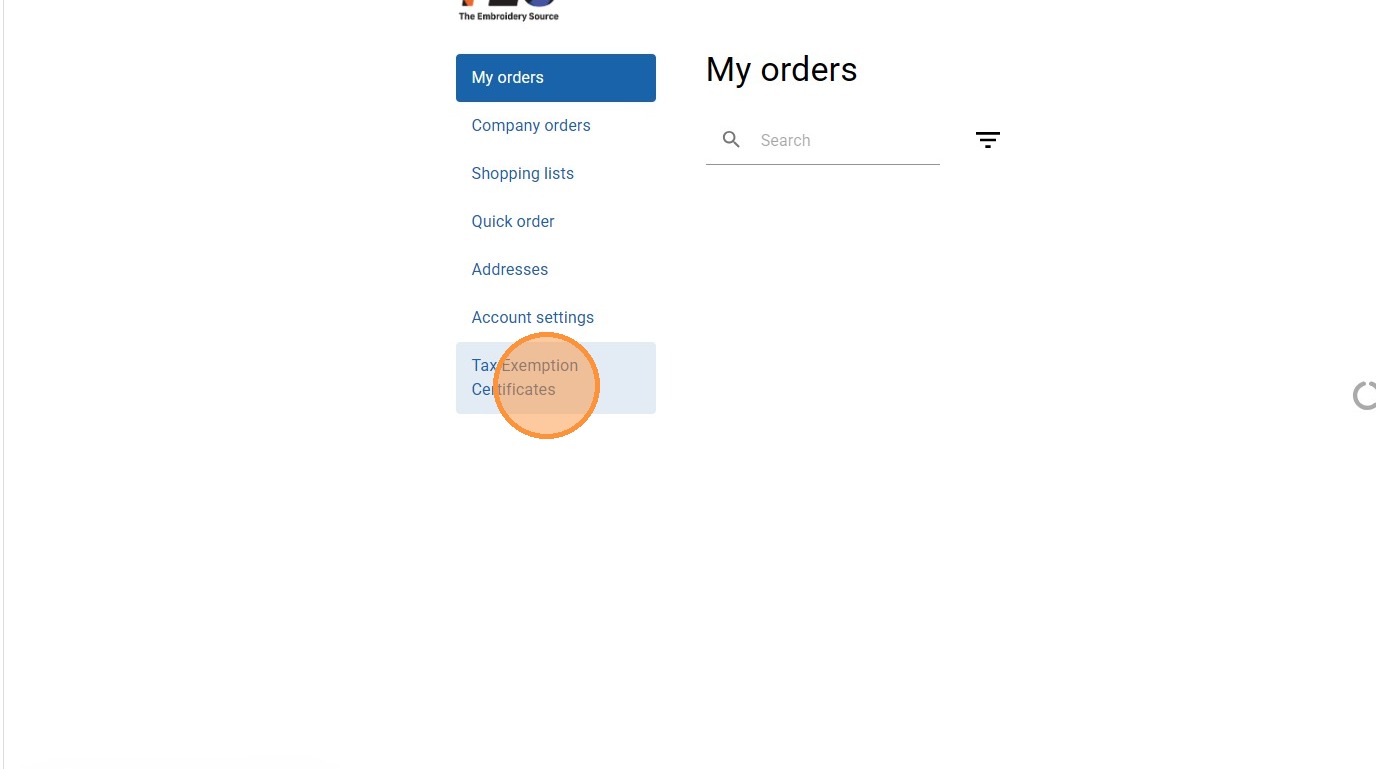
2. Navigate to your account dashboard and select Tax Exemption Certificates.
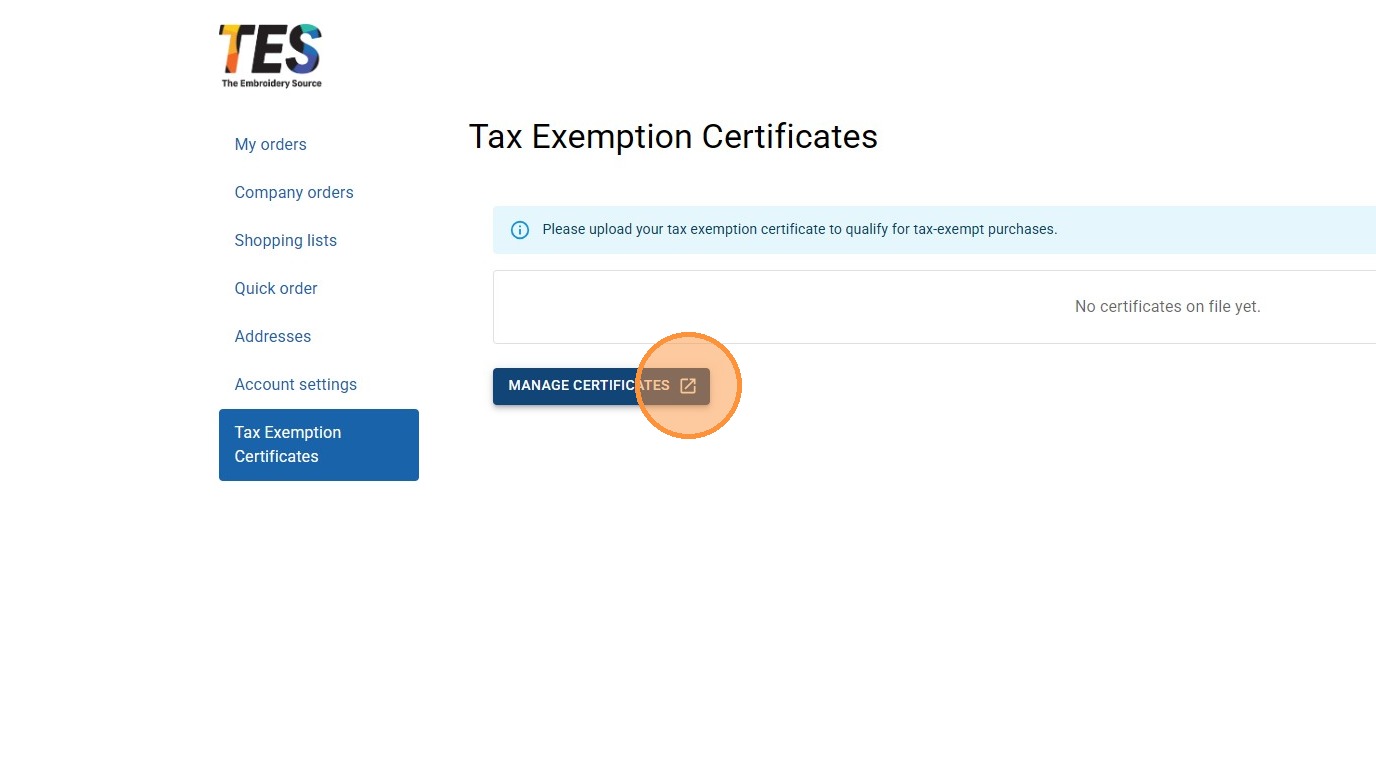
3. Click on Manage Certificates.
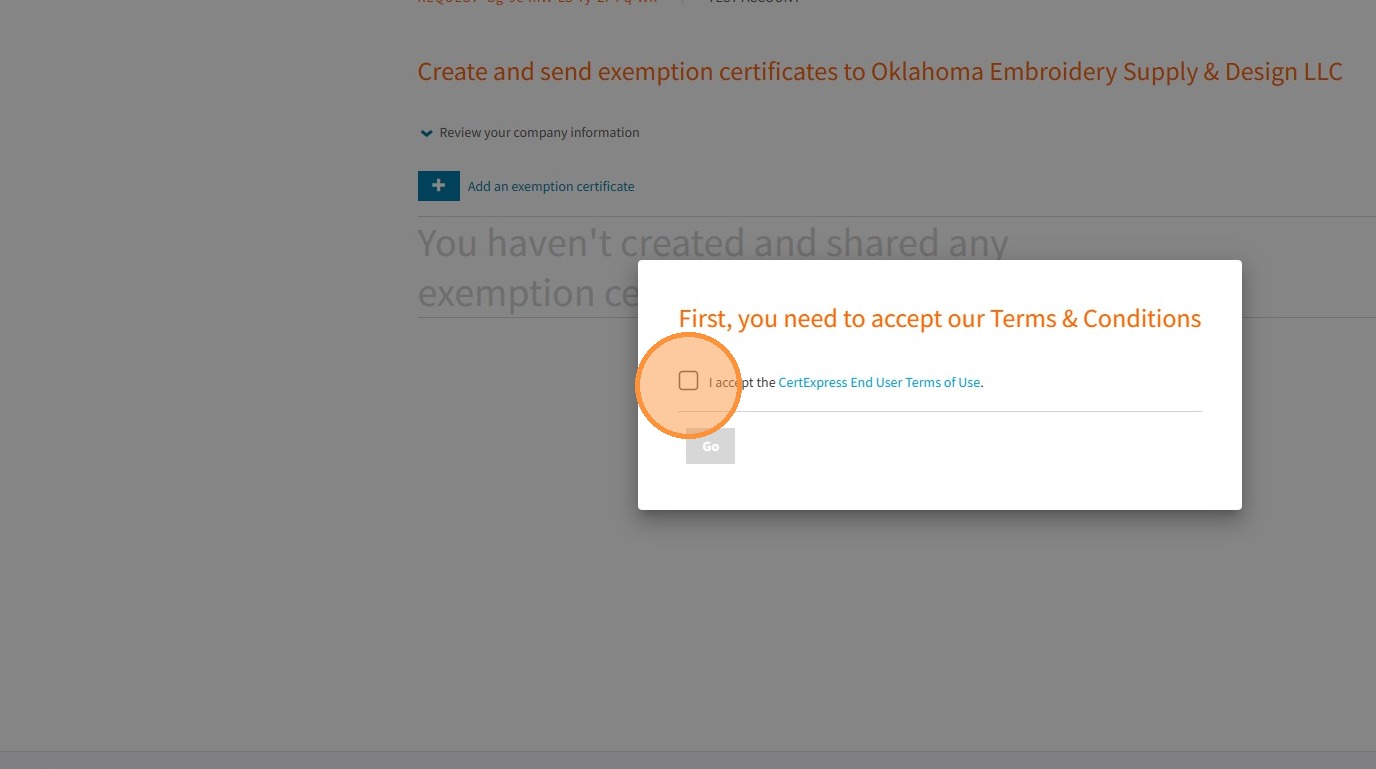
4. The Embroidery Source has partnered with Avalara to manage our tax certificates. You will need to accept their TOC to continue. You do not have to create an account with Avalara to upload your certificate.
Document Configuration
5. Click Add an exemption certificate.
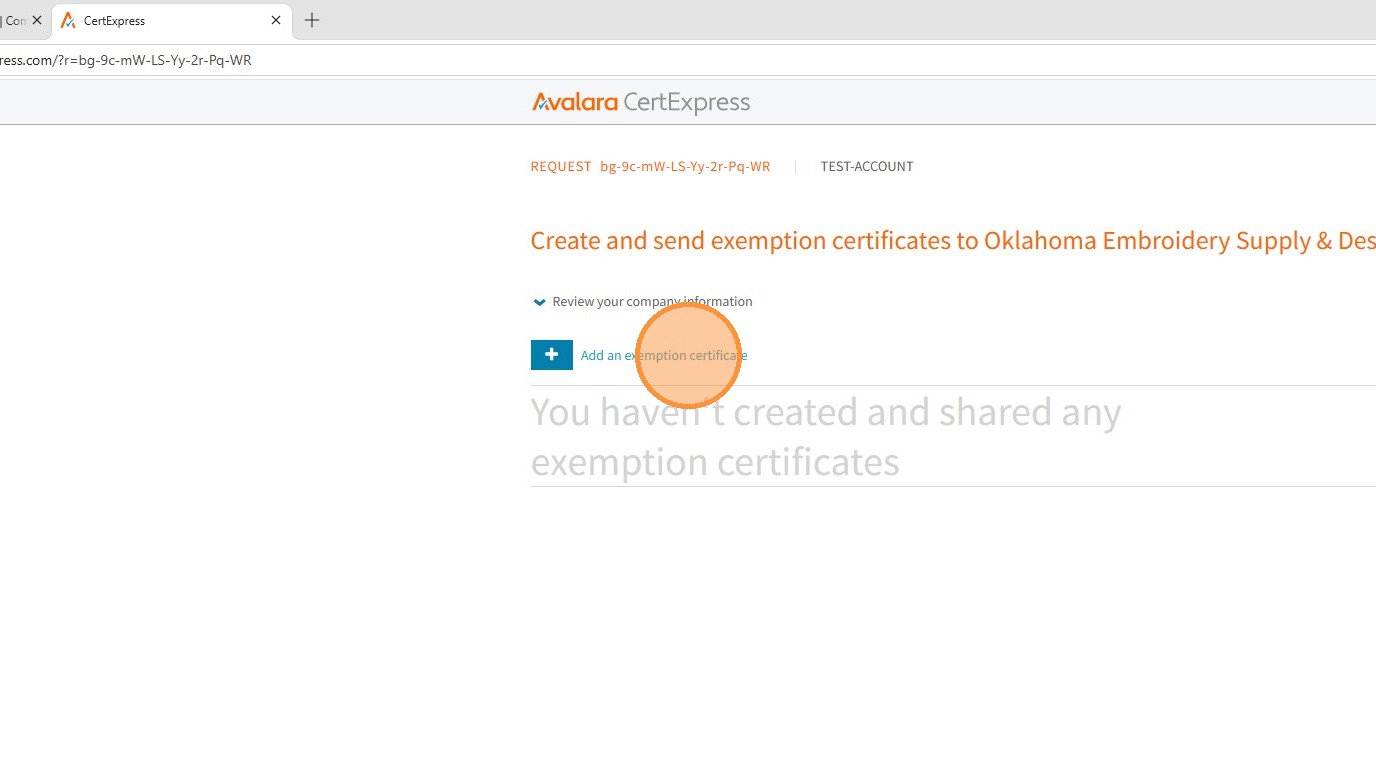

6. Select your State or Territory.
7. Click "EXEMPT REASON"
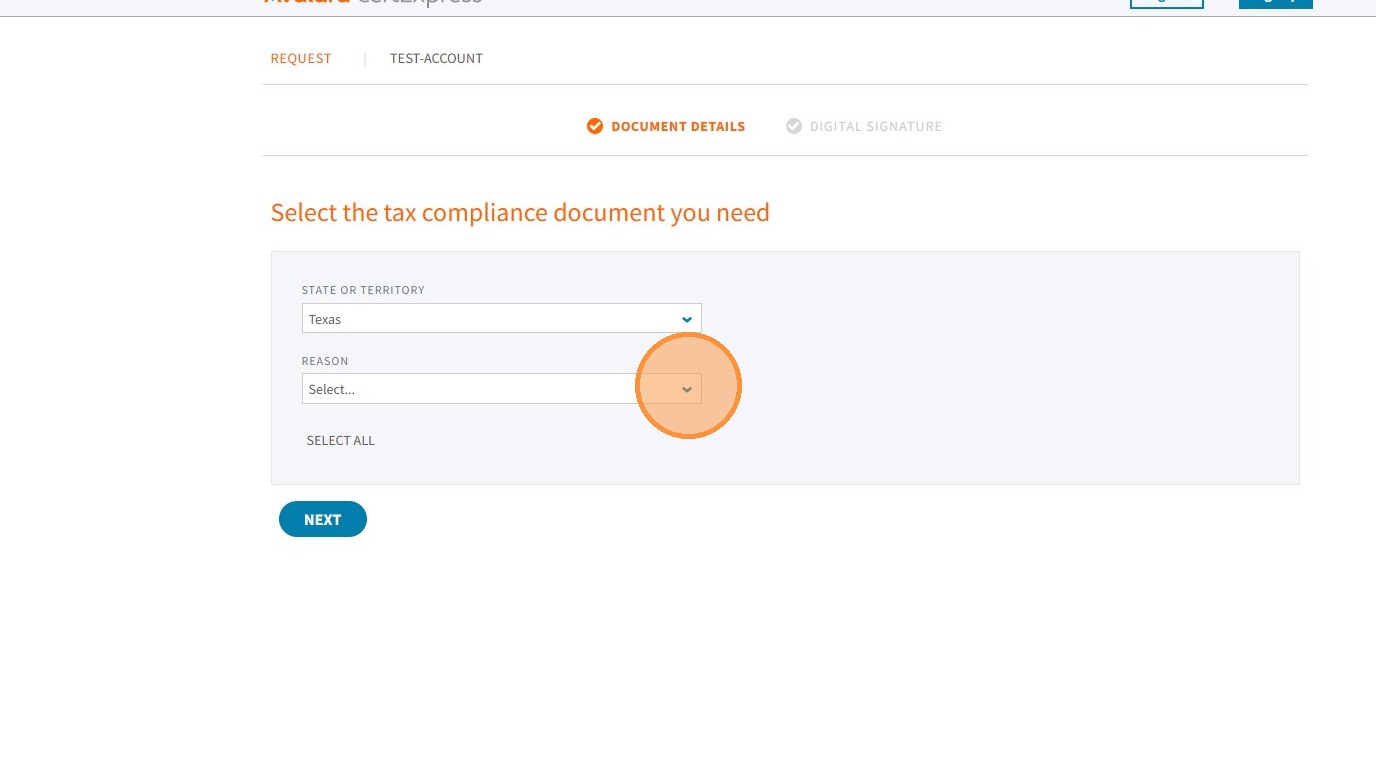
8. Continue to answer the prompts, selecting NEXT after each answer.
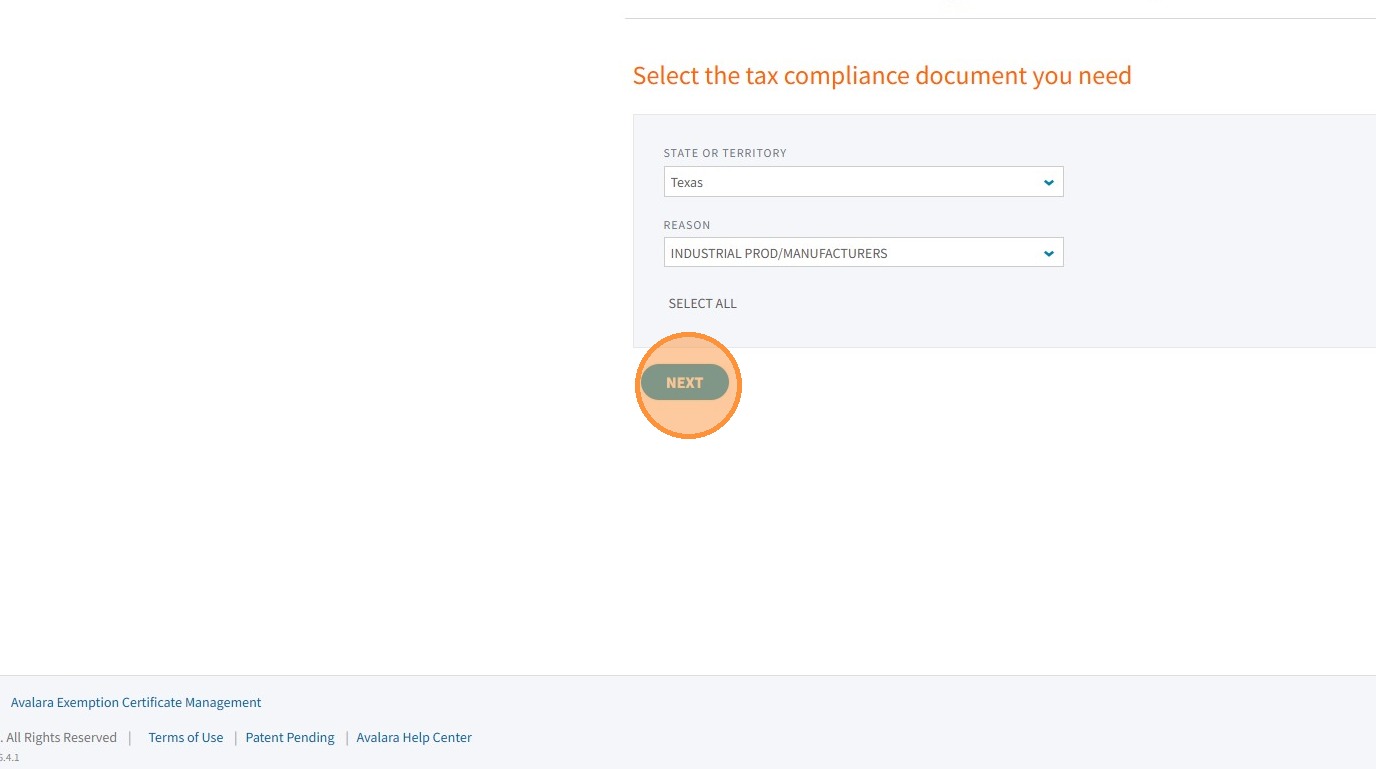
9. When prompted, upload your tax exemption certificate.
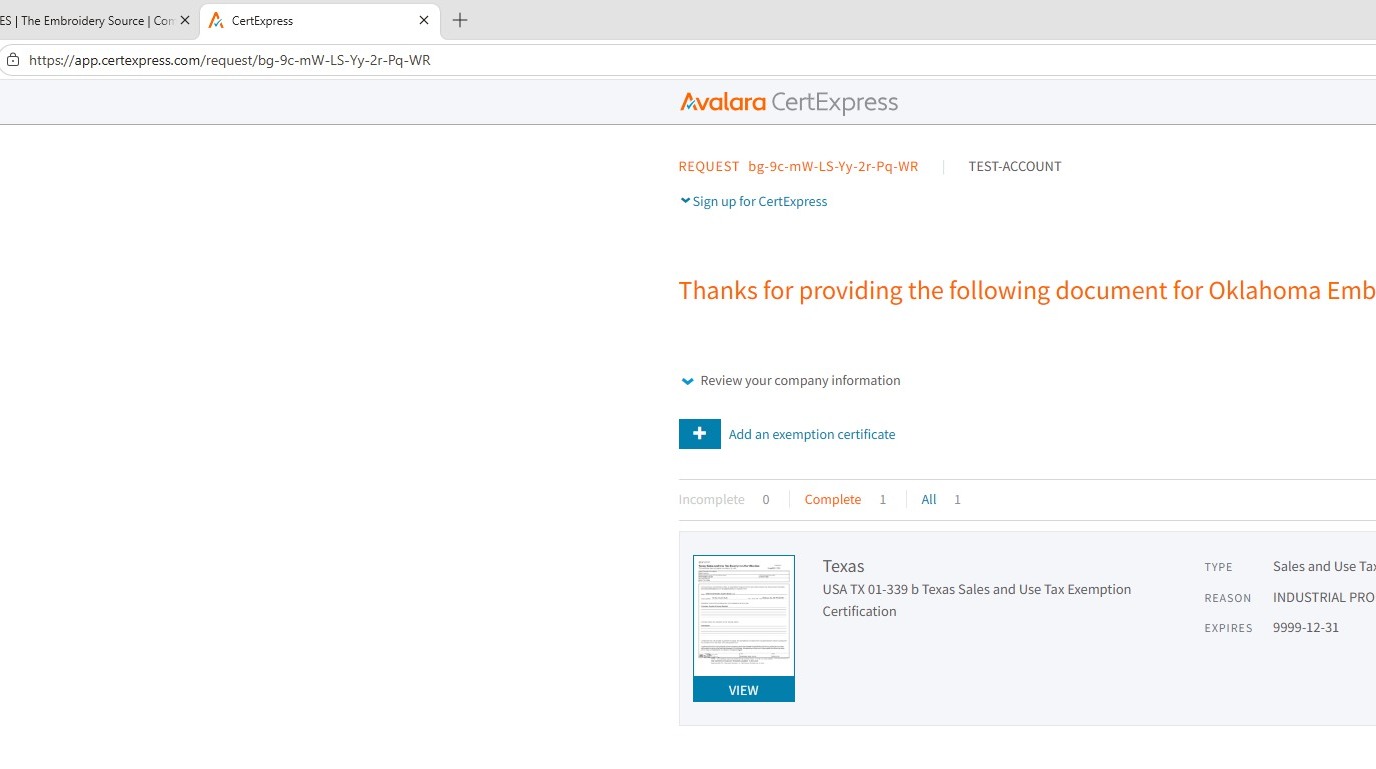
10. Close the certificate window when all steps are complete to return to the TES website.
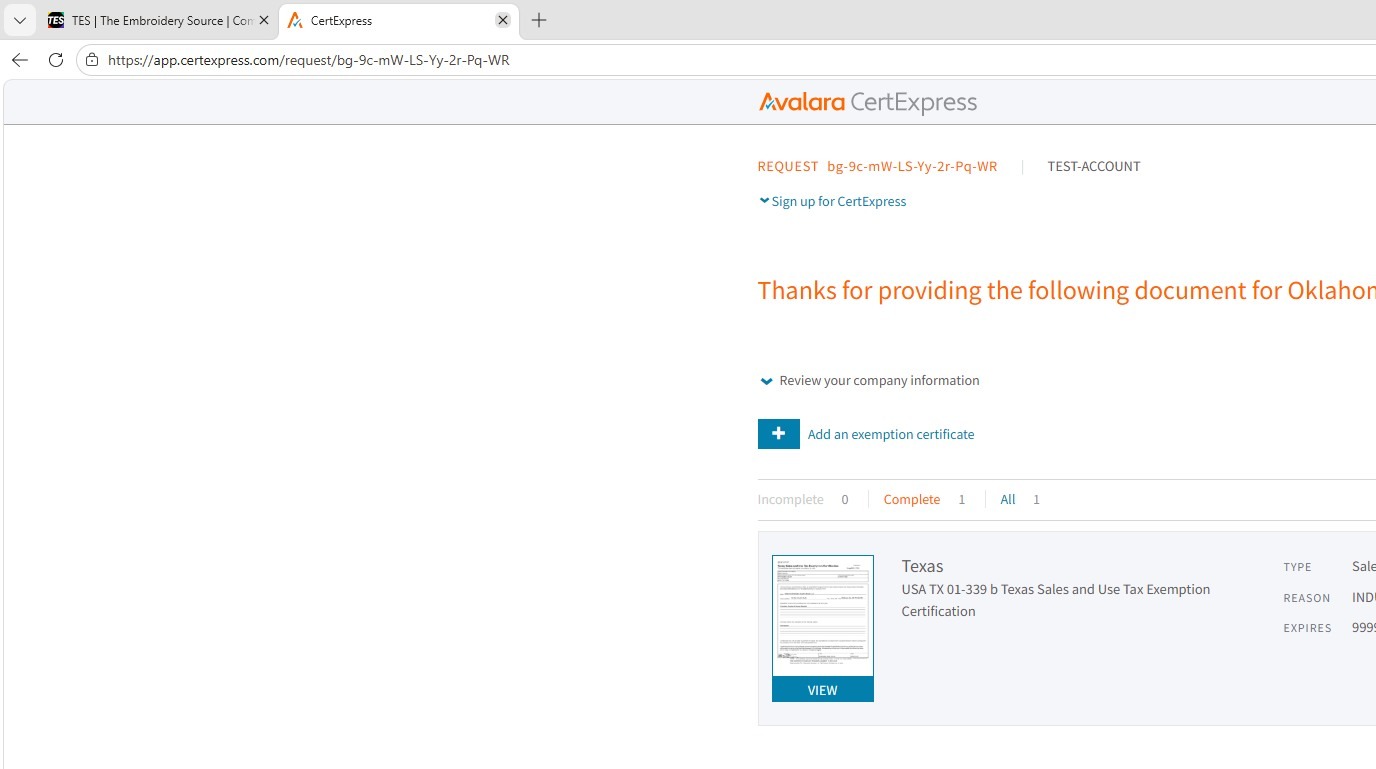
11. Refresh the page to see your updated certificate status.
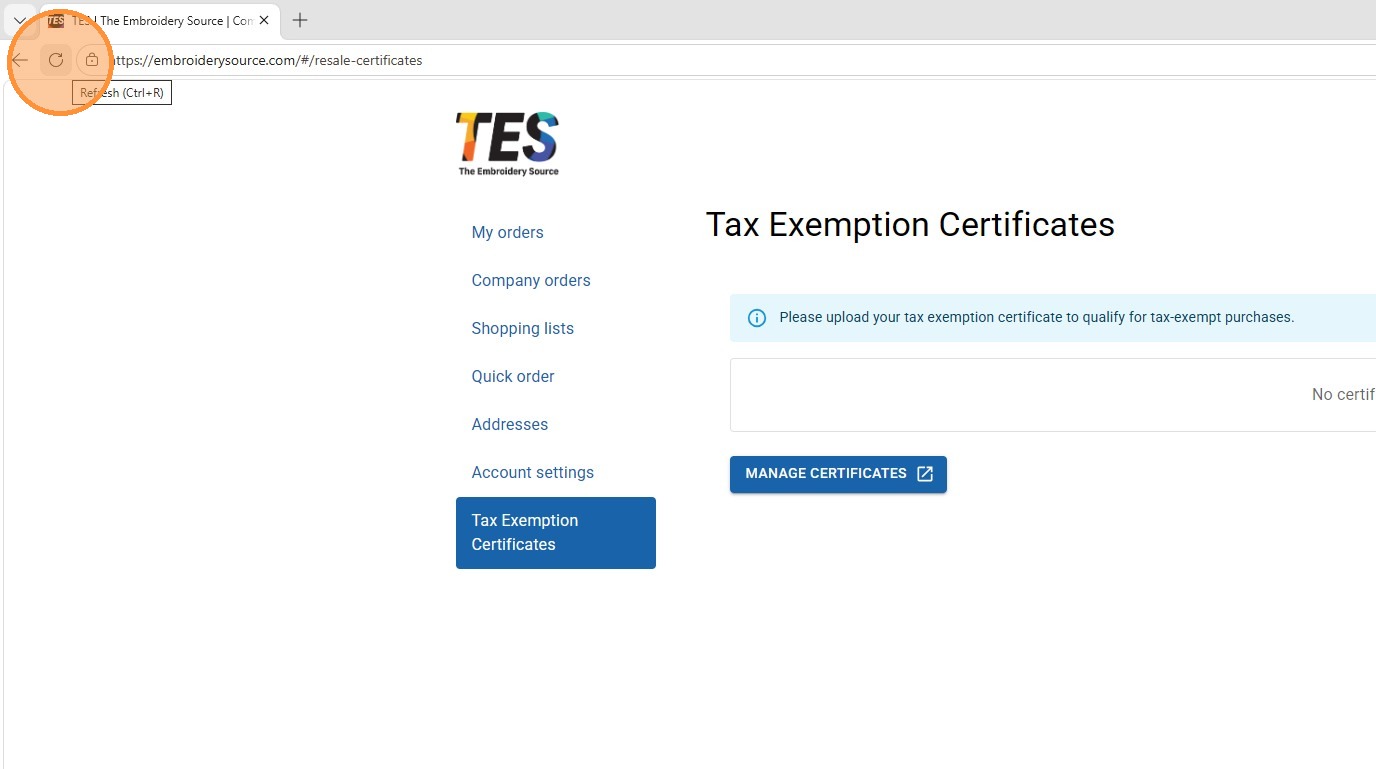
12. From your account view, you will see your certificate, its status, and its expiration date. Avalara will send an email to acknowledge receipt of your certificate and will also prompt you to upload a new certificate upon expiration.